How do I share checklist processes with team members?
There are two ways to share the process with team members:
Recurring Checklists
Create a personal checklist.
Click on the Share button at the top right of the checklist.
You have the option on the drop-down to set up recurring checklists, share checklists, or embed checklists.
To set up recurring checklists;
Click on recurring checklists.
Copy the link
Send or share
That person can "Run Process" over and over
Collaborators can work on the same exact checklist you are working on.
Team Reminders
You can easily set up team reminders on Checkli. This is how it works.
Click on the three dots and scroll down to Team Reminders.
Add the reminder name, due dates, team member's name, and email so you can send them email reminders to complete recurring processes.
Select a color for your reminders (will be added to the calendar, calendar in Beta.)
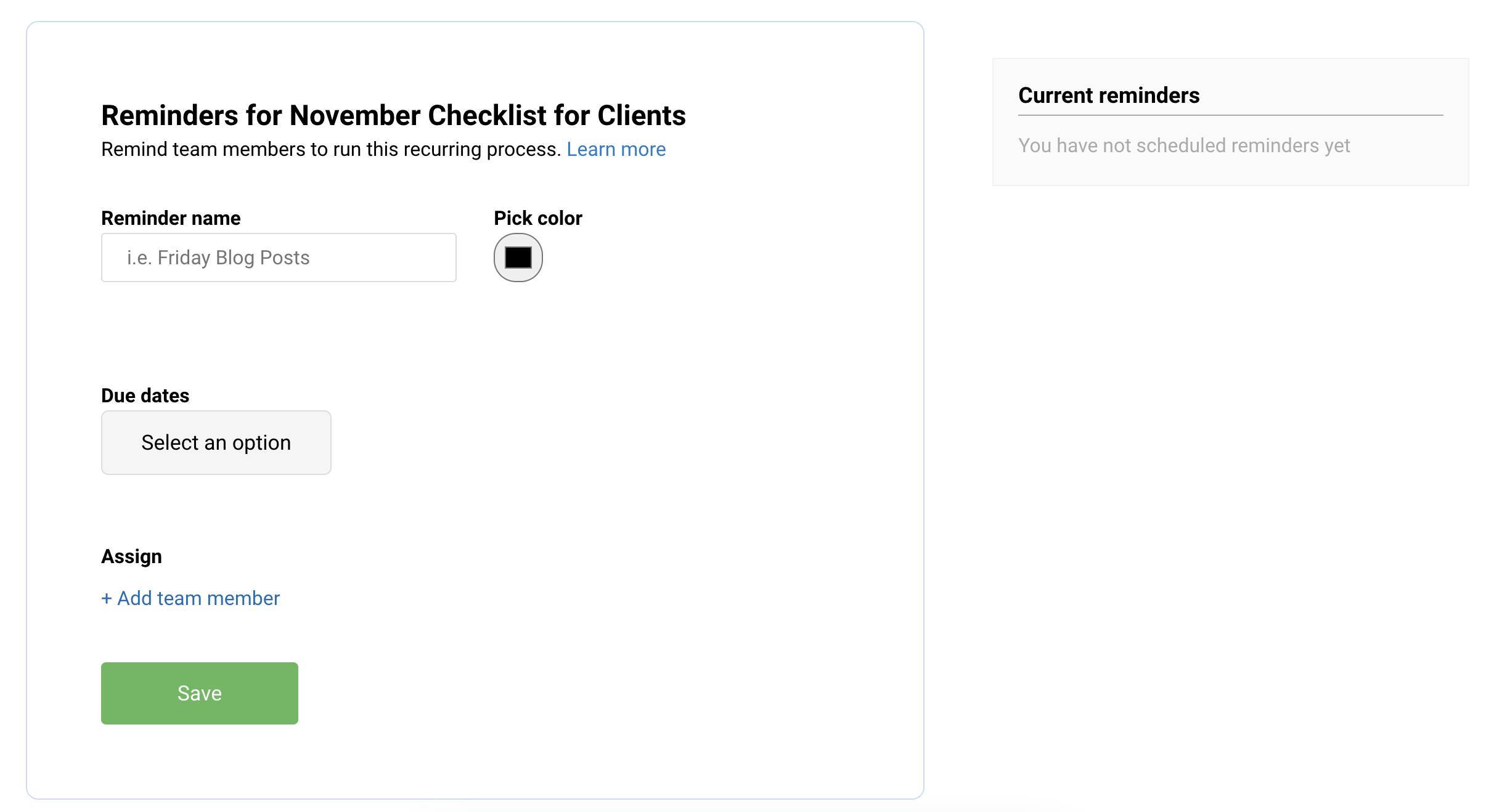
Add managers for team members to submit work to when they finish a process.
*Note: Team members and managers don't need logins.
How to set email reminders
While editing any checklist process, click "Team Reminders" in the right sidebar.
Add a title reminder, reminder frequency, and team member emails.
We'll send the team member a link to the run the process each time a process is due
Team members do NOT get accounts and they don't need logins.